Posts

Showing posts with the label Computer Repairs Near Me

How to Choose the Local Computer Repairs?

Image
When your computer stops working, first you can try to find the solution from tech forums or contact the technical support over the phone. The other thought comes into mind is that “Which are the best computer repairs near me ?” When it comes to local computer repairs, there are always many options available so it is a little tricky to choose the right one. Here are some tips from Ozzie Geeks that can help you to choose the best computer and laptop repairs near you. Try to Get a Reference Today almost everyone is using a computer and laptops. It is obvious they would have faced issues in their devices ever or never and used the computer repair services in your area. So, ask your friends and other people in your network for the references. It will save your time and help you to make the right choice. Search for a Specialist Every device might have unique issues. So, it is important to determine the type of your device whether it is a laptop, desktop or tablet. A...

Basic Computer Problems and Their DIY Repairs

Image
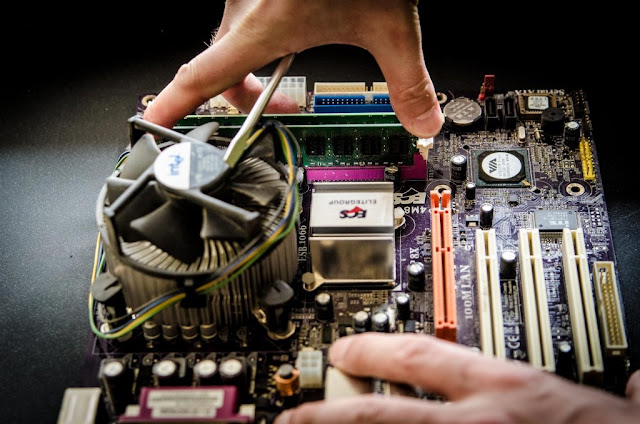
Many of the computer issues have a simple solution and you can troubleshoot them by yourself at home.  Here are some basic computer problems and their DIY repairs steps that you can follow. But, if you are unable to do these repairs then you can contact Ozzie Geeks. We offer the fast and affordable on-site computer repairs Perth and its nearby locations. Find the professional computer technician near you.

Reasons for Computer Overheating and Their Repairs

Image
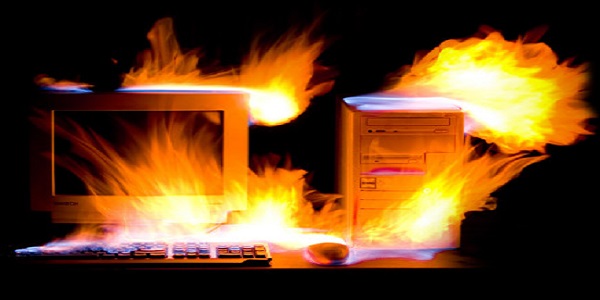
Overheating slows down your computer performance and sometimes it gets freeze. So there are cooling fans available in the computer system and they should be worked properly. If not, to avoid any kind of damage, the motherboard instructs the major components like CPU and memory banks shut down the PC without any warning. This may continuously happen until the cooling fan is fixed or replaced. On the other hand, your computer’s HDD can also be damaged due to overheating as they are temperature sensitive. Reasons for Computer Overheating 1. Computer Location: Your computer location plays an important role to keep it self-cool especially in the summers. Make sure your computer is far from the room windows or any other place where the direct sunlight is entering. Keep your computer in a temperature control environment. 2. Dust Gathering: Another reason for computer overheating is dust gathering on its internal components and vents. That result in the blockage of airflow...

Computer Windows Not Starting Up, How to Repair It?

Image
Sometimes, our computer windows not starting up or computer refuses to boot. We all face this problem never or ever in our devices. In this situation, the first question that comes into everyone’s mind is that who provide the best computer repairs near me ? Although it seems a major issue on your computer, you can repair by yourself. Here we will discuss some troubleshooting steps that can help you to fix if your computer windows not starting up. 1. Power Supply Checkup The very first step is to check if your computer is properly plugged into the power supply socket. Now turn off your computer and wait for 20 seconds so your computer can shut down completely. After 20 seconds, turn your computer back ON. Check if the computer starts properly. 2. Reboot the Computer If the issue still persists, turn off your computer again and reboot it after 5 minutes. A boot menu will be displayed on the computer screen, read the guidelines and choose the right boot option. After...