Posts

Showing posts with the label Computer Technician Brisbane

Reasons for Computer Overheating and Their Repairs
Image
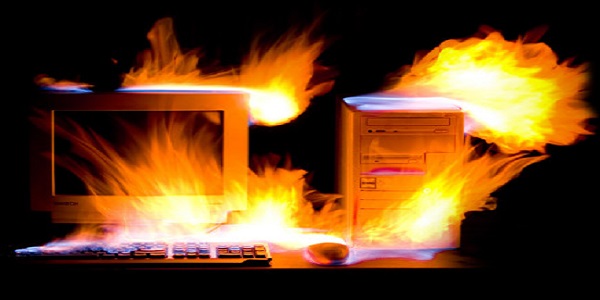
Overheating slows down your computer performance and sometimes it gets freeze. So there are cooling fans available in the computer system and they should be worked properly. If not, to avoid any kind of damage, the motherboard instructs the major components like CPU and memory banks shut down the PC without any warning. This may continuously happen until the cooling fan is fixed or replaced. On the other hand, your computer’s HDD can also be damaged due to overheating as they are temperature sensitive. Reasons for Computer Overheating 1. Computer Location: Your computer location plays an important role to keep it self-cool especially in the summers. Make sure your computer is far from the room windows or any other place where the direct sunlight is entering. Keep your computer in a temperature control environment. 2. Dust Gathering: Another reason for computer overheating is dust gathering on its internal components and vents. That result in the blockage of airflow...

Computer Repairs Brisbane: Common Computer Problems and Their Solutions

Image
Sometimes your computer starts showing problems in its startup. Or it’s very annoying when you are working on your computer and suddenly an error message or your computer comes to a screeching halt. There are some issues which cannot be solved without a computer technician which is expert in computer repairs.  Besides, there are some other small and common problems that everyone faces on a regular basis and we cannot go to the repair shop every day. These kinds of small issues have simple solutions and you can resolve them by yourself. It can save a lot of time and money as well. Here we will discuss some of the common computer problems and their solutions one by one: 1. Computer Doesn’t Start Computer shuts down automatically and doesn’t start. This may happen due to the failure of power supply. Check if your computer is properly plugged in the power socket. If it is OK then check the power socket with any other device to confirm its working. 2. Blank Screen ...